
Tools Library
Create reusable HTTP API, call transfer, end call, and message tools once, then attach them to any agent
Tools (Agent Setup → Tools) is your organization's library of reusable agent tools. A tool defined here can be attached to any Agent Node across any voice agent, instead of being redefined from scratch on every workflow that needs it — useful when several agents all need to, say, look up an order status against the same backend endpoint.
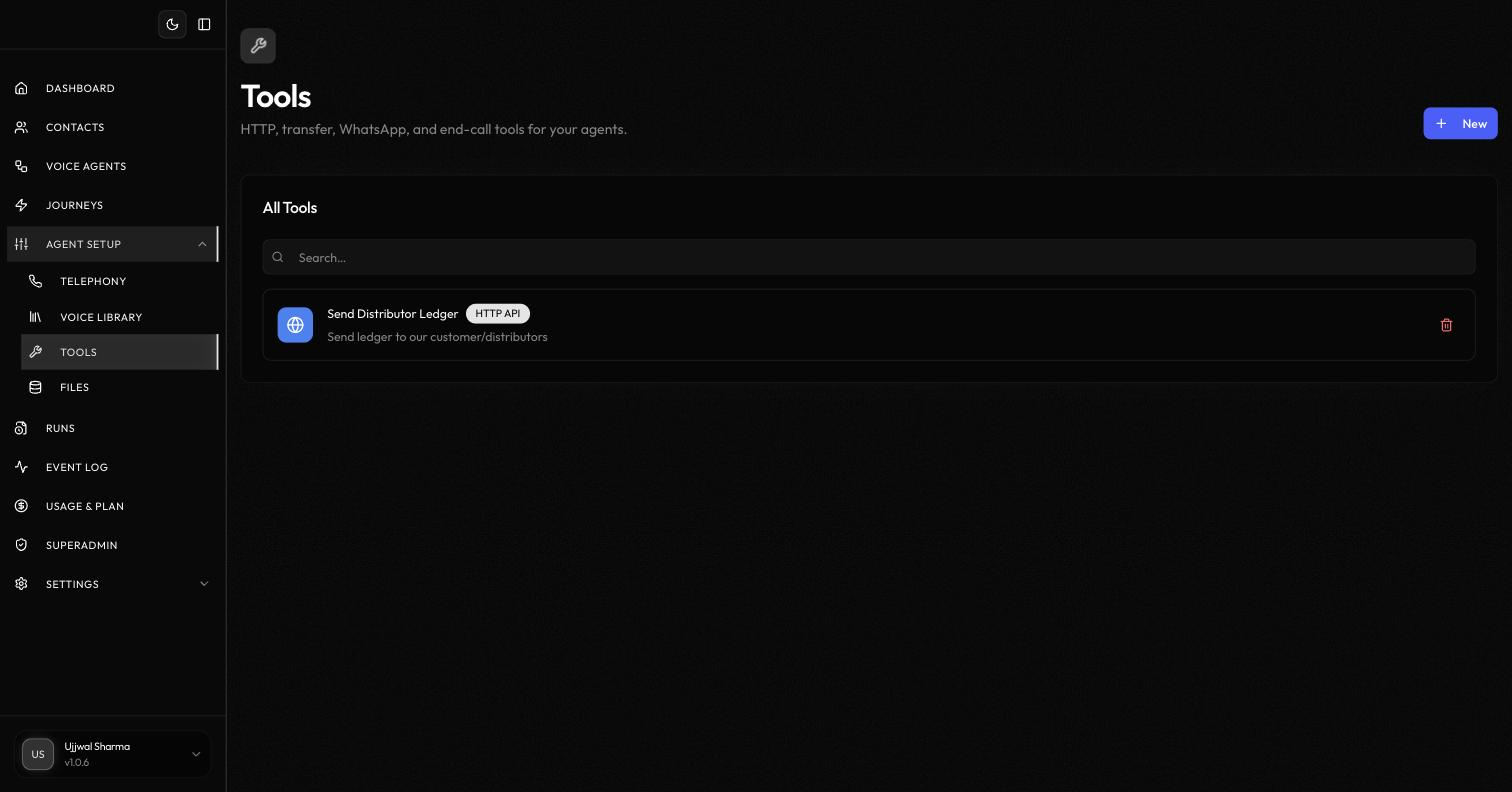
Each tool in the list shows its name, type, and description, and can be removed with the delete icon. Click New to create one.
Tool types#
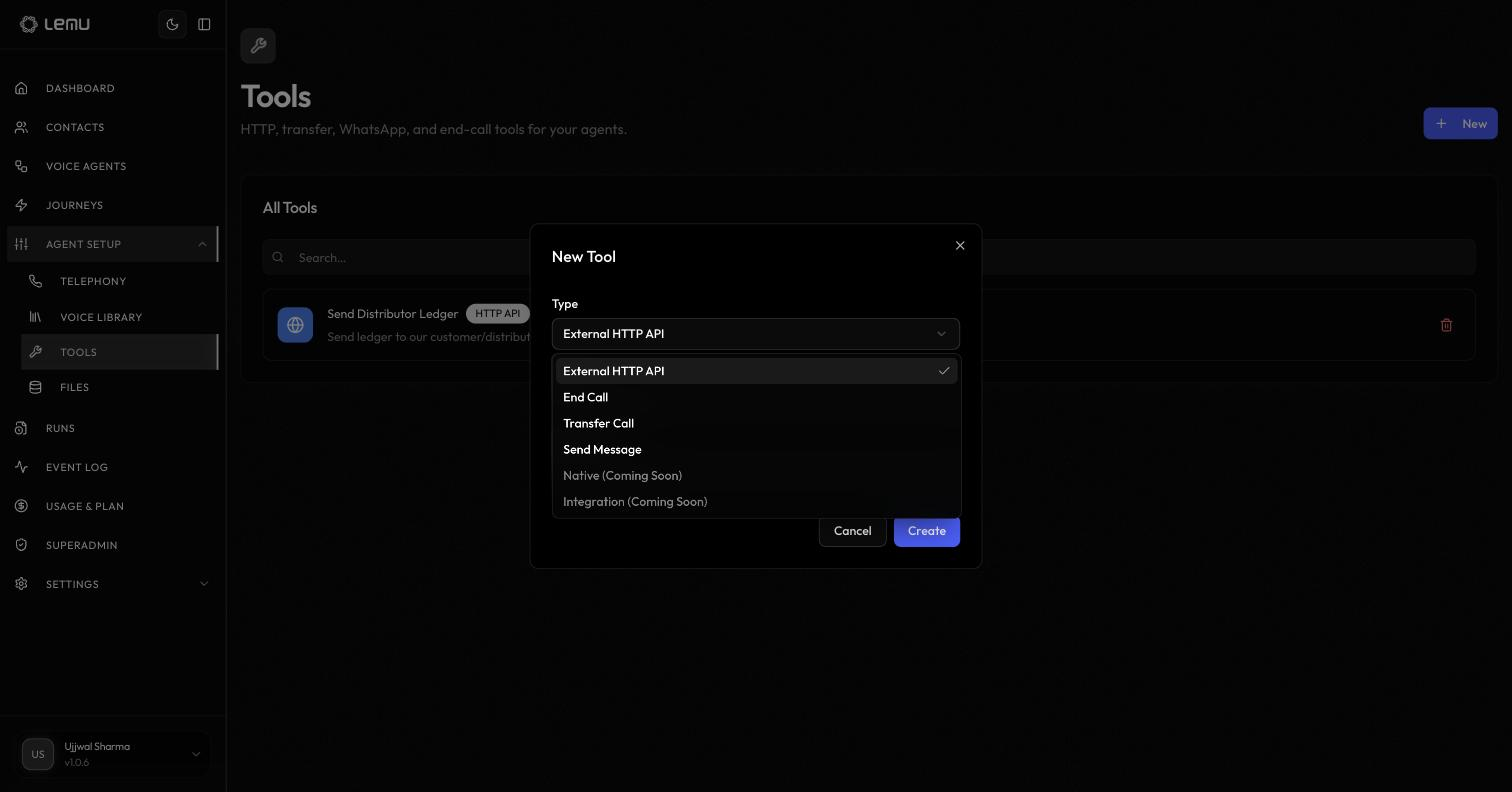
| Type | What it does |
|---|---|
| External HTTP API | Calls a REST endpoint you define — see HTTP API for how the LLM decides when and how to call it |
| End Call | Lets the agent end the call — see End Call |
| Transfer Call | Lets the agent transfer to another number or agent — see Call Transfer |
| Send Message | Sends a WhatsApp message mid-call — see WhatsApp Messaging |
| Native | Coming soon |
| Integration | Coming soon — direct tool access to a connected integration |
Every tool starts with a Name and Description, which is what the LLM sees when deciding whether to call it — write these the same way you would for a node-level tool, action-oriented and specific. The configuration fields after that depend on the type you picked and match the corresponding node-level tool's fields (an HTTP API tool asks for the same method, URL, headers, and parameters described in HTTP API, for example).
Using a library tool on an agent#
Tools aren't defined inline on a node — every tool an Agent Node can use is created here first, then selected by checkbox in the node's tool list. If your organization has no tools yet, the node's tool picker links straight back to this page to create one. A node can have multiple tools attached, and the LLM decides which one to call and when, based on the node's instructions and each tool's name and description (see HTTP API for how that decision works in detail).
Because a tool lives here rather than on any one workflow, editing it — its endpoint, its description, its parameters — updates every agent node it's attached to at once. That also means renaming or reconfiguring a shared tool is a change every agent using it will feel the next time it runs.